Explanation on how to navigate
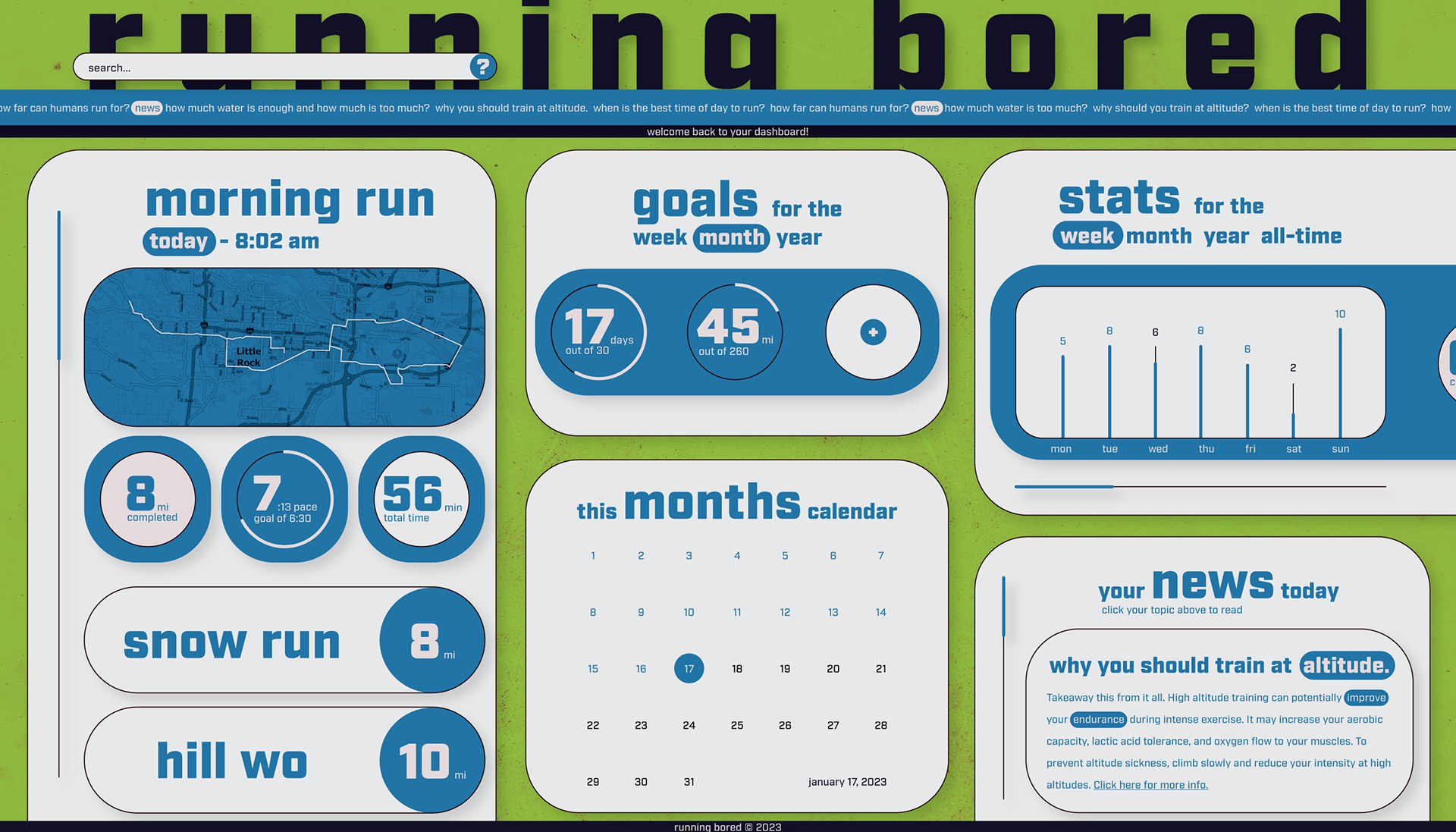
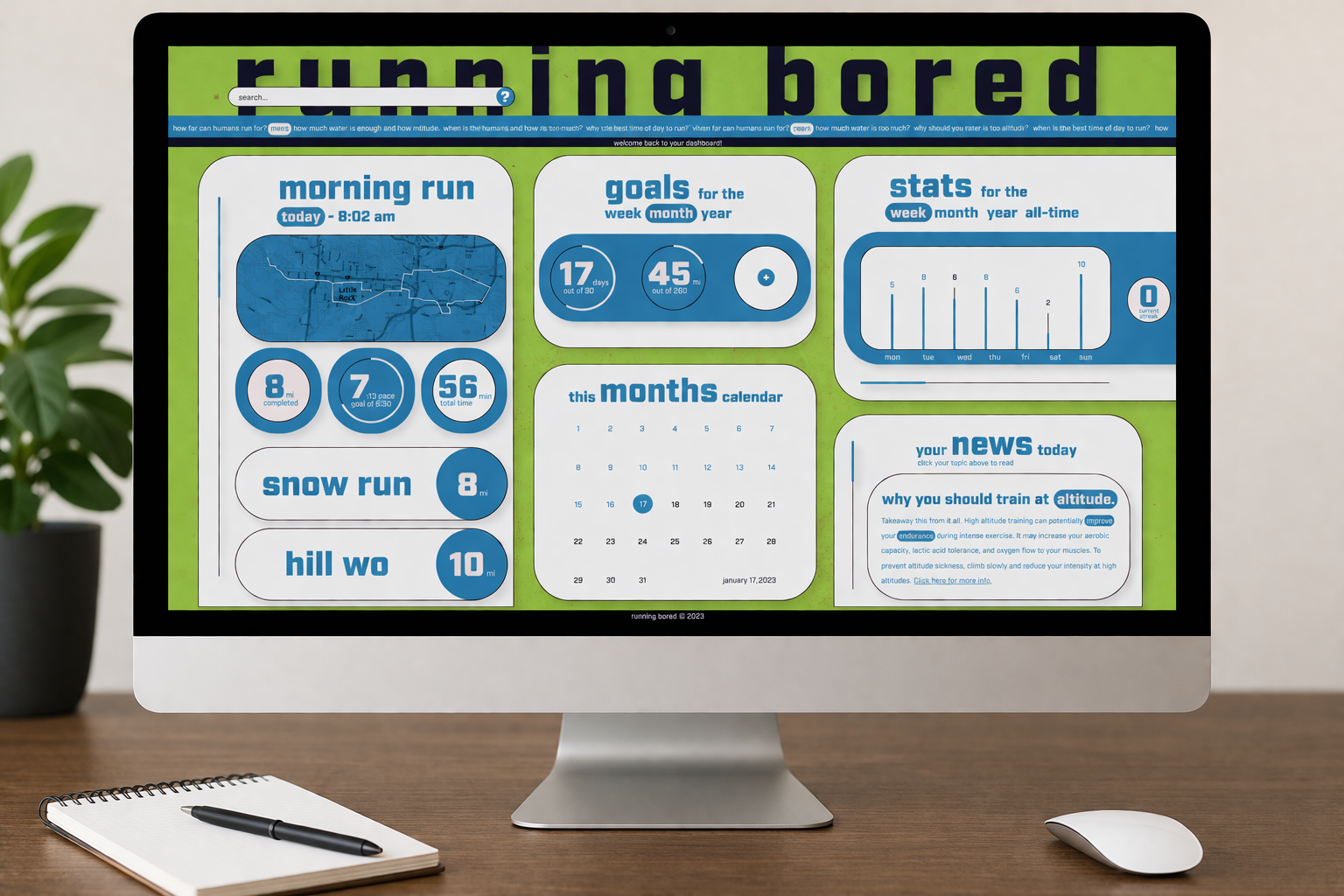
Scrolling is the main way to navigate the board. Clicking on news ticker at the top will select a story so you can view it. The news ticker will constantly be scrolling. You can set new goals by pressing the plus. Clicking on different runs will open them up with the map preview. Clicking on the calendar will open the run you did that day on the left side preview. Clicking the options under the titles will switch from weeks, months, etc...
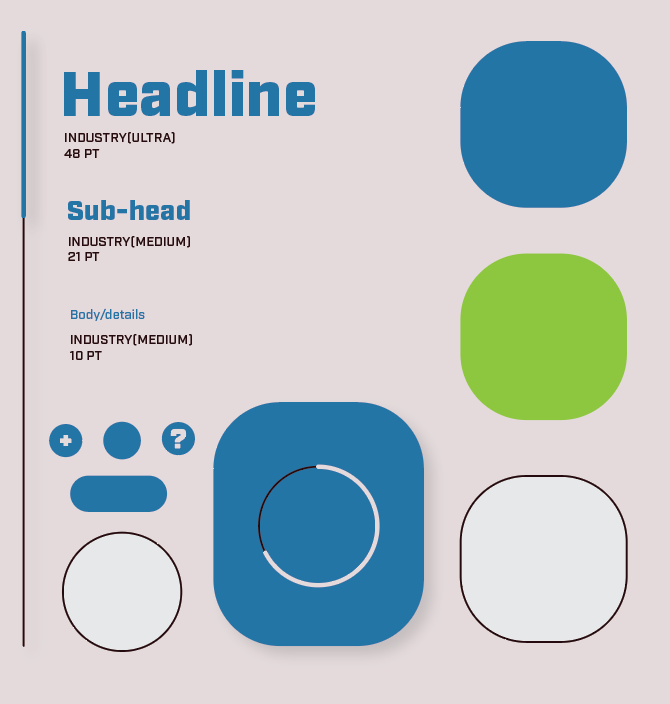
Design System